
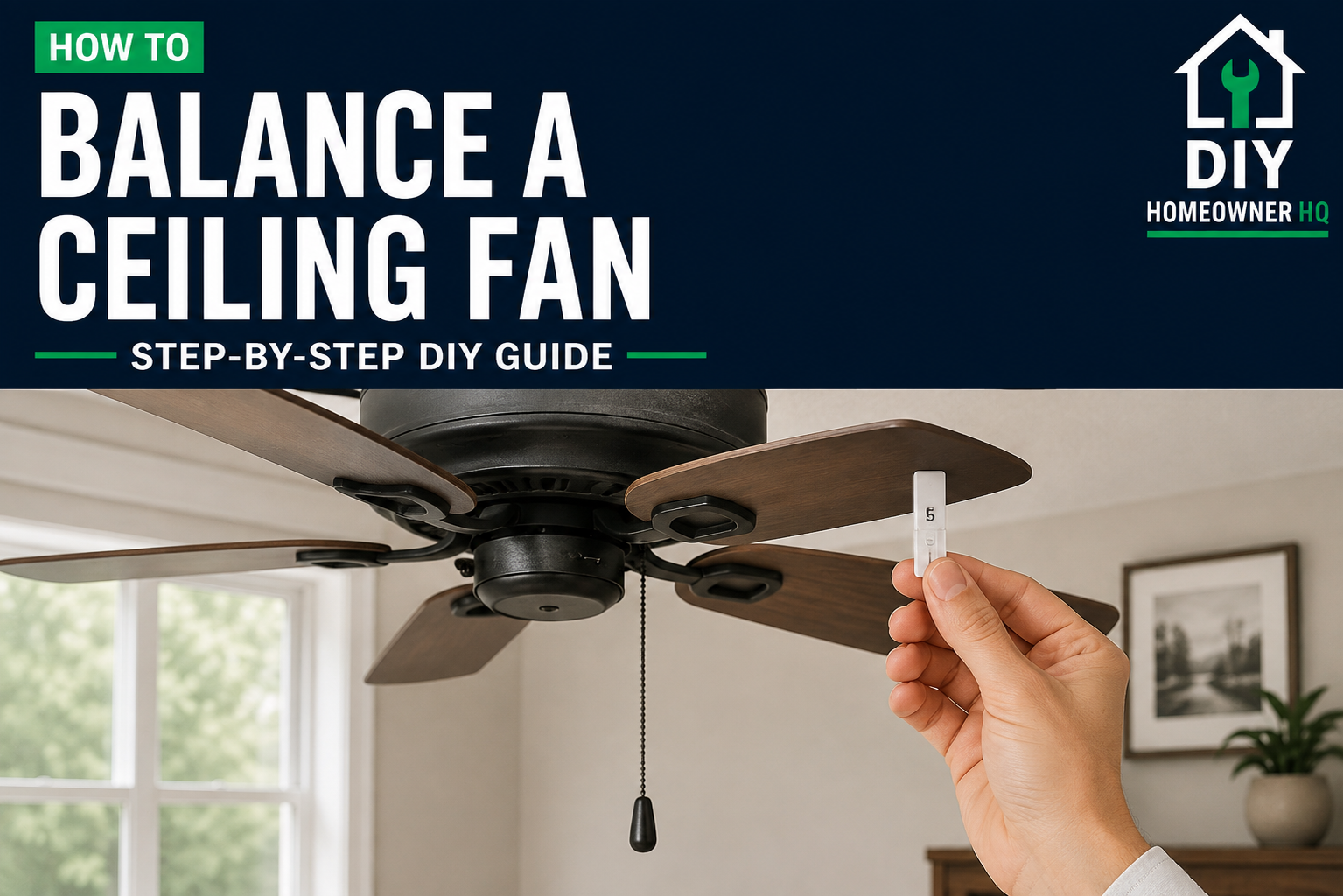
Safety First
Turn the ceiling fan off and wait for the blades to stop completely before inspecting, measuring, tightening, or adding balancing weights. Use a stable stepladder, and never attempt to adjust the blades while the fan is running.
Time
20-45 Minutes
Difficulty
Easy
Cost
$5-$15
🧰 Tools & Materials
- Stepladder
- Screwdriver
- Tape measure
- Ceiling fan balancing kit
- Clean cloth
- Painter’s tape or masking tape
🔍 Signs Your Ceiling Fan Needs Balancing
A small amount of movement can be normal, especially at high speed. However, your ceiling fan may need balancing if:
- The fan noticeably wobbles while running
- The wobble becomes worse at higher speeds
- One blade appears higher or lower than the others
- The fan shakes after a blade was removed or replaced
- The fan runs smoothly at low speed but wobbles at medium or high speed
Before balancing the blades, make sure the problem isn’t caused by loose hardware. If the entire fan or mounting assembly is moving, check our guide on How to Fix a Wobbly Ceiling Fan before continuing.
📝 Before You Start
Turn the fan off and allow the blades to stop completely.
Inspect the fan from below. Look for obviously bent, damaged, or drooping blades.
Also check that each blade is installed in the correct position and that none of the blade holders appear bent.
💡 Pro Tip: Clean the fan blades before balancing them. A heavy buildup of dust on one blade can contribute to an imbalance.
Step 1: Tighten the Blade Screws
Check the screws connecting each blade to its blade holder.
Tighten any loose screws, but avoid overtightening them.
Then check the screws connecting the blade holders to the fan motor.
What You Should See: Every blade and blade holder should feel securely attached with no loose movement.
If Yours Looks Different: A cracked blade or visibly bent blade holder may need to be replaced instead of balanced.
Step 2: Check the Blade Heights
Choose a fixed point on the ceiling and measure down to the tip of one fan blade.
Rotate the fan by hand and measure each blade at the same location.
The blade tips should sit at approximately the same height.
What You Should See: The measurements should be very close from one blade to the next.
If Yours Looks Different: A blade sitting noticeably higher or lower may indicate a bent blade holder or improperly installed blade.
Step 3: Test the Fan
Move the ladder away from the fan and turn it on.
Run the fan through its different speeds and watch for wobbling.
If tightening the hardware corrected the problem, you may not need to balance the blades further.
If the fan still wobbles, turn it off and allow it to stop completely before continuing.
Step 4: Attach the Balancing Clip
Use the balancing clip included with your ceiling fan balancing kit.
Attach the clip near the middle of one blade.
Move the ladder away and run the fan again.
Pay attention to whether the wobble improves or gets worse.
What You Should See: When the clip is placed on the blade causing the imbalance, the fan should wobble noticeably less.
Step 5: Test Each Blade
Turn the fan off and wait for it to stop.
Move the balancing clip to the next blade and test the fan again.
Repeat this process for every blade.
Keep track of which blade produces the smoothest operation.
💡 Pro Tip: A small piece of painter’s tape can help you mark the blade that responds best to the balancing clip.
Step 6: Find the Best Weight Position
Once you identify the blade that needs adjustment, move the balancing clip closer to the blade tip or closer to the motor.
Test the fan after each adjustment.
Continue until you find the position where the fan runs the smoothest.
What You Should See: The wobble should gradually decrease as you locate the correct position for the balancing weight.
Step 7: Install the Balancing Weight
Turn the fan off and remove the temporary balancing clip.
Install one of the adhesive balancing weights on top of the blade near the position where the clip produced the best result.
Placing the weight on top keeps it mostly hidden from view.
Press it firmly into place.
Step 8: Test the Fan Again
Move the ladder away and run the fan through low, medium, and high speeds.
Watch the fan carefully.
A properly balanced fan should run smoothly without excessive side-to-side movement.
If you hear clicking, humming, grinding, or another unusual sound after balancing the fan, our How to Fix a Noisy Ceiling Fan guide can help you track down the cause.
What You Should See: The fan should operate smoothly with little or no noticeable wobble.
If Yours Looks Different: If the entire fan housing or ceiling mount moves, stop using the fan. The problem may involve the mounting bracket or electrical box rather than blade balance.
❌ Common Mistakes
Problem: Trying to balance the fan before tightening the hardware.
Solution: Check all blade and blade-holder screws first. A loose blade can easily cause wobbling.
Problem: Adding several weights immediately.
Solution: Use the balancing clip to locate the problem before permanently adding weight.
Problem: Testing the fan while standing on the ladder.
Solution: Always move the ladder and yourself away from the blades before turning the fan on.
Problem: Assuming every wobble is caused by unbalanced blades.
Solution: Check the mounting hardware and blade holders if balancing doesn’t solve the problem.
💡 Pro Tip
If the fan still wobbles after carefully balancing every blade, the problem may not be balance at all. Check the mounting hardware, blade holders, and ceiling box. Our How to Install a Ceiling Fan guide shows how a ceiling fan should be properly supported and mounted.
❓ FAQs
Is a little ceiling fan wobble normal?
A slight amount of movement can be normal, particularly at higher speeds. Significant shaking or side-to-side movement should be investigated.
Can I balance a ceiling fan without a balancing kit?
You can diagnose the problem using temporary small weights, but an inexpensive ceiling fan balancing kit makes the process easier and provides adhesive weights designed for the job.
Why did my ceiling fan suddenly start wobbling?
Loose blade screws, dust buildup, a shifted balancing weight, a damaged blade, or a bent blade holder can cause a previously smooth fan to begin wobbling.
Can a bent ceiling fan blade be balanced?
Sometimes a minor difference can be compensated for, but a damaged or significantly warped blade should usually be replaced.
What if balancing the blades doesn’t fix the wobble?
Check the blade holders, mounting bracket, downrod connections, and ceiling electrical box. Excessive movement at the ceiling can indicate a mounting problem rather than a blade-balance problem.
👷 When to Call a Professional
Stop using the fan and consider calling an electrician or qualified installer if the mounting bracket moves, the electrical box appears loose, the fan rocks significantly at the ceiling, or you aren’t confident the fan is securely mounted.
A ceiling fan should be attached to an electrical box or mounting system specifically rated to support a ceiling fan.